
Contact our team for professional guidance and solutions.
Completing mobile app development is only one part of launching a digital product.
Before customers can download an application, businesses need to prepare the product, store listings, privacy information, testing, accounts and technical infrastructure.
For businesses launching in Dubai, the process can also involve bilingual content, local payment functionality and user expectations across a diverse market.
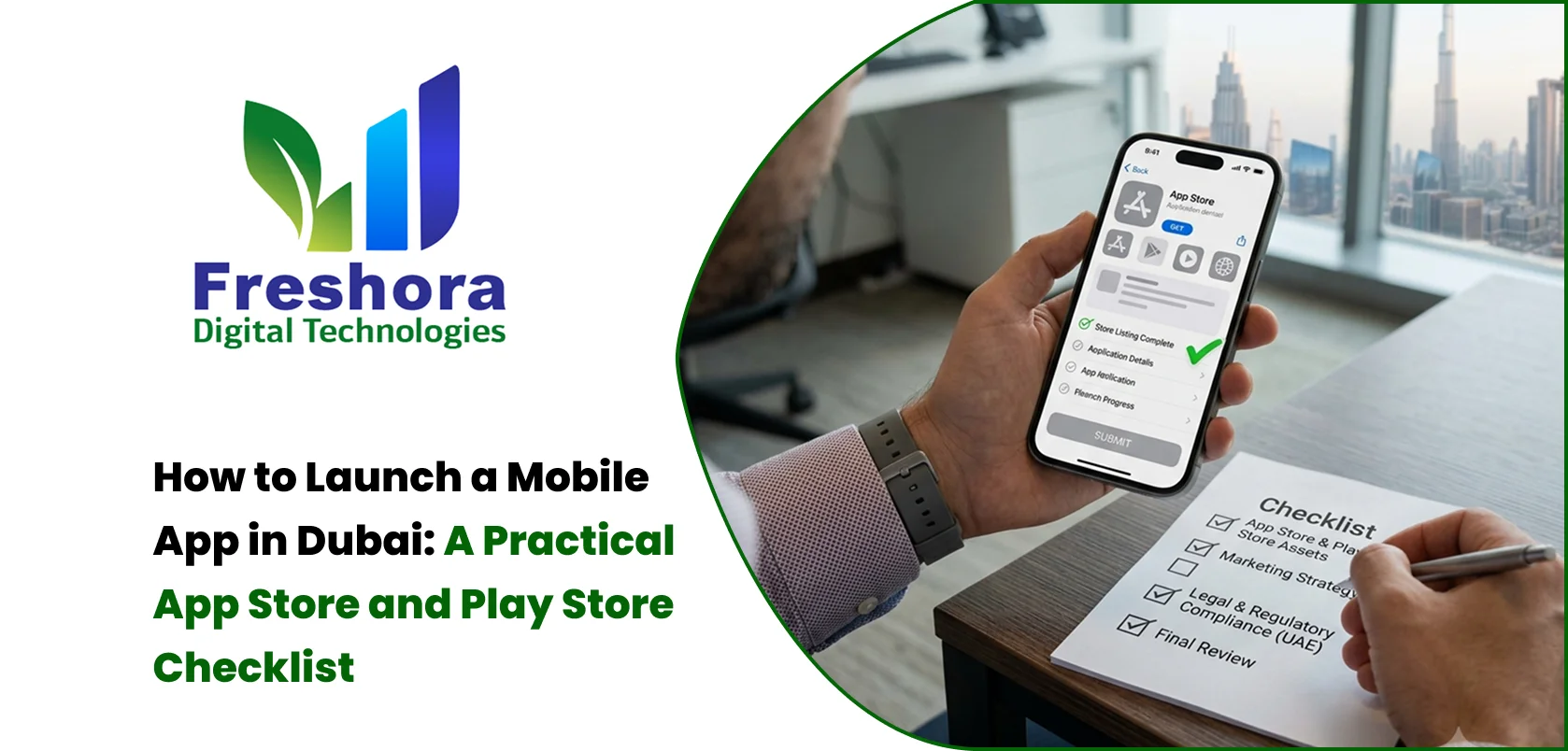
A structured mobile app launch checklist can reduce last-minute problems and help the development team move from testing to public release more smoothly.
Start with the basics.
Every major function should be tested before submission.
Check:
Registration
Login
Logout
Password recovery
Search
Forms
Notifications
Payments
Orders
Bookings
Profile
Settings
Account deletion where applicable
The exact list depends on the application.
Mobile users do not all use the same device.
Test different:
Screen sizes
Android versions
iOS versions
Device performance levels
Network conditions
The UAE has a significant Android market share, while iOS remains an important platform. Current StatCounter data shows Android at around 78% and iOS around 22% of UAE mobile operating-system share in June 2026.
Businesses should therefore avoid testing on only one device.
For bilingual applications, test both languages.
Check:
Text direction
Navigation
Buttons
Forms
Notifications
Error messages
Product descriptions
Dates
Numbers
Images
Layout
Arabic should not simply be treated as an English interface with translated text.
If the application accepts payments, test the complete transaction flow.
Important scenarios include:
Successful payment
Failed payment
Cancelled payment
Timeout
Retry
Refund
Duplicate payment attempt
Network interruption
Verify that the backend correctly records each transaction.
Privacy documentation should be prepared before publishing.
Google Play requires a privacy policy and accurate Data Safety information for apps distributed through the platform.
Apple also requires a privacy policy URL and app privacy information for applications distributed through the App Store.
The privacy policy should accurately describe how the application handles user data.
Create a complete list of information collected by the application.
For example:
Name
Phone
Location
Device information
Usage information
Payment-related information
Uploaded content
The information disclosed to app stores should match the actual behaviour of the application.
Many apps use third-party services.
Review:
Analytics SDKs
Advertising SDKs
Maps
Payment SDKs
Social login
Crash reporting
Customer support tools
Developers should understand what information these SDKs access or collect.
Apple requires privacy information to account for applicable third-party partners, and Google requires developers to accurately describe data collection and sharing in the Play Console.
The listing is part of the product's public presentation.
Prepare:
App name
Subtitle where applicable
Description
Keywords where applicable
App icon
Screenshots
Promotional assets
Support URL
Privacy URL
Screenshots should represent the real application.
Do not use outdated screens that no longer match the product.
Google Play requires developers to provide relevant developer and app information.
Prepare:
App name
Short description
Full description
App icon
Screenshots
Category
Contact information
Privacy policy
Data Safety information
Google also requires accurate developer and app information as part of its Play Console requirements.
The icon is often the first visual element a potential user sees.
It should be:
Simple
Recognisable
Consistent with the brand
Legible at small sizes
Avoid filling the icon with too many words or small visual elements.
The description should explain:
What the application does
Who it is for
Main benefits
Important features
What users can accomplish
Avoid stuffing the description with keywords.
The primary objective is helping users understand the application.
Users may experience problems after launch.
Provide an accessible support channel.
Depending on the business, this may include:
Phone
In-app support
Chat
Help centre
Support information should be easy to find.
Analytics should be configured before launch or from the beginning of the public release.
Businesses may want to measure:
Downloads
Registrations
Active users
Retention
Feature usage
Conversion
Purchases
Abandoned checkout
Crashes
This information helps determine whether the application is actually achieving its business objective.
An application can pass testing and still experience issues on certain devices or network conditions.
Crash reporting helps development teams identify problems after launch.
The team should monitor:
Crash frequency
Affected devices
OS versions
Error types
User impact
Users expect mobile applications to respond quickly.
Test:
App startup
Screen loading
Image loading
API response
Search
Checkout
Offline behaviour
Large images and unnecessary API calls can negatively affect performance.
Before deployment, confirm that:
Production APIs are secured
Debug features are disabled
Test accounts are removed where appropriate
Sensitive credentials are protected
Authentication works correctly
Access permissions are correct
Error messages do not expose sensitive information
Security should be reviewed before release rather than after the first incident.
Apple reviews applications and updates submitted through App Store Connect.
Apple's current documentation also highlights privacy information, app functionality, metadata and review requirements as part of the submission process.
Businesses should review the applicable platform requirements before submission rather than waiting for a rejection.
Before a full public release, beta testing can help identify real-world problems.
Apple provides TestFlight for beta testing.
Google Play also provides testing capabilities through the Play Console.
Use these options to test the application with selected users before a broader release.
Do not simply publish the app without a marketing plan.
Coordinate:
Website
Social media
Advertising
Existing customers
Sales team
Customer support
For a Dubai business, launch messaging may also need Arabic and English versions depending on the audience.
The first release provides valuable information.
Monitor:
Downloads
Reviews
Ratings
Crashes
Registration completion
Payment completion
User feedback
Uninstall trends
Do not assume the first version will be perfect.
Use actual user behaviour to identify improvements.
Launching a mobile application in Dubai requires more than uploading an APK or submitting an iOS build.
Businesses need to prepare the product, testing, privacy documentation, store assets, security, analytics and support processes.
For bilingual applications, Arabic and English testing should be treated as separate quality checks. For payment applications, transaction testing should cover both successful and failed scenarios.
A structured mobile app development process can bring these requirements together from planning through deployment, reducing the risk of last-minute launch problems.


Quick Answer Website Redesign Dubai projects should begin with an audit of the existing website's p... Read More
Quick Answer Mobile Web Design UAE focuses on creating websites that are easy to navigate, read, an... Read More
Quick Answer Website Design for Dubai Businesses should prioritise clear service messaging, fast mo... Read More
Our expert will call you shortly to understand your needs and help grow your business.
Get exclusive digital marketing tips, SEO insights, web & app updates, and job opportunities delivered straight to your inbox.
Join our WhatsApp channel for instant digital marketing tips, SEO insights, web & app updates, and latest job opportunities.
Join NowFreshora Digital Technologies proudly serves businesses across Dubai and the United Arab Emirates, including Abu Dhabi, Sharjah, Ajman, Umm Al Quwain, Ras Al Khaimah, and Fujairah.
We also serve businesses across the GCC region, including Saudi Arabia, Qatar, Kuwait, Bahrain, and Oman, providing Website Development, Mobile App Development, Software Development, SEO, Google Business Profile Management, Digital Marketing, UI/UX Design, E-commerce Development, AI Solutions, and other digital technology services designed to strengthen online visibility, generate enquiries, and support business growth. We also work with businesses internationally across India, Singapore, Canada, Australia, the United Kingdom, and the United States, delivering innovative digital solutions tailored to different markets and business requirements.

