
Contact our team for professional guidance and solutions.
A mobile application can collect valuable customer information, from names and contact details to addresses, account information, preferences and transaction records.
For businesses in Dubai and across the UAE, protecting this information should be part of the application architecture from the beginning.
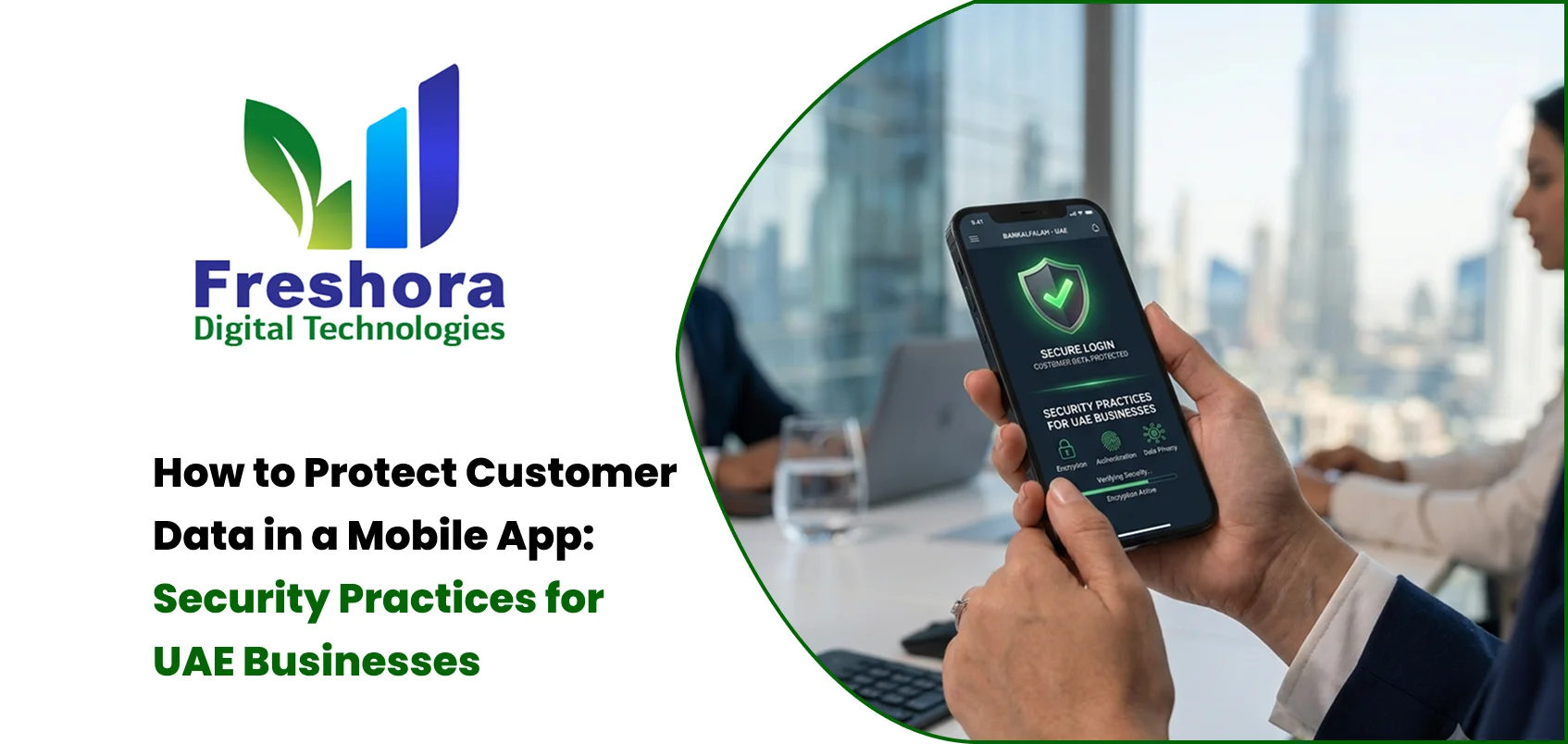
Mobile app security is not simply about adding a login screen. It involves protecting the application, APIs, databases, authentication systems, third-party integrations and the information moving between them.
The UAE's Personal Data Protection Law provides a legal framework for personal-data protection and establishes controls and obligations relating to the processing and protection of personal information.
For businesses building customer-facing applications, security should therefore be considered during planning, design, development, testing and ongoing maintenance.
The information collected depends on the application.
A typical business application may process:
Name
Email address
Phone number
Location
Address
Login credentials
Customer preferences
Transaction information
Device information
Usage information
Uploaded documents
Support conversations
Not all of this information is required for every application.
A good security strategy begins with understanding exactly what information the application needs.
One of the simplest security improvements is to avoid collecting information that the application does not need.
For example, if a service only requires a customer's name and phone number, there may be no reason to collect additional personal information.
Reducing unnecessary data reduces the amount of information that needs to be protected.
Businesses should ask:
What information do we need?
Why do we need it?
Who can access it?
How long should we retain it?
When should it be deleted?
Authentication is the first major security layer for many applications.
A secure authentication system may include:
Strong password requirements
Secure password hashing
Multi-factor authentication where appropriate
One-time passwords
Account lockout or rate limiting
Secure session handling
Device/session management
Password reset protection
The authentication method should match the application's risk level.
A financial application will naturally require stronger controls than a simple content application.
Many modern mobile applications communicate with backend APIs.
That means securing the API is just as important as securing the mobile interface.
API security should include:
Authentication
Authorization
Input validation
Rate limiting
Access control
Secure error handling
Logging
Monitoring
An authenticated user should not automatically have access to every API resource.
The backend should verify whether that user is actually authorised to perform the requested action.
Sensitive information should be protected while being transmitted.
HTTPS and TLS should be used for communication between the mobile application and backend systems.
Sensitive information stored on devices or servers may also require appropriate encryption depending on its nature and risk.
Encryption should not be treated as a replacement for authentication or access control. It is one layer within a broader security strategy.
Mobile applications sometimes store information locally to improve performance or provide offline functionality.
Developers should carefully decide what can safely be stored on the device.
Sensitive credentials and tokens should not be stored in plain text.
Platform-provided secure storage mechanisms should be considered for sensitive information.
The application should also avoid unnecessarily exposing confidential information through:
Screenshots
Logs
Debug output
Notifications
Local caches
Modern apps often depend on external services.
Examples include:
Payment gateways
Maps
Analytics
Customer support
Authentication providers
Cloud services
Marketing platforms
Each external SDK or API introduces another dependency.
Businesses should know:
What data the service receives
Why it receives the data
Where the information is processed
What permissions the SDK requests
Whether the provider meets business requirements
Apple specifically requires developers to disclose app privacy practices, including relevant third-party partners, through App Store Connect.
Google Play similarly requires developers to maintain accurate Data Safety information describing data collection, use and sharing.
A secure mobile application still needs a secure backend.
Database protection can include:
Restricted database access
Strong credentials
Encryption where appropriate
Regular backups
Access logging
Network controls
Monitoring
Secure server configuration
Developers should also prevent common application vulnerabilities such as SQL injection and insecure direct object references.
One important development principle is that mobile applications should not be considered trusted environments.
A malicious user can modify requests before they reach the backend.
Therefore, the backend should validate:
User identity
Permissions
Prices
Quantities
IDs
Transaction states
Uploaded files
Business rules
For example, an e-commerce app should not rely solely on the mobile application to calculate the final order price.
The backend should verify the transaction independently.
Mobile applications frequently use external libraries and SDKs.
These dependencies can introduce vulnerabilities if they become outdated.
Development teams should maintain an inventory of important dependencies and monitor security updates.
Updates should be tested before production deployment.
Push notifications can sometimes reveal private information.
For example, displaying:
"Your medical test result is ready"
on a locked screen could expose sensitive information.
Businesses should therefore think about what information is displayed in notifications.
Sometimes a safer message may simply say:
"You have a new notification. Open the app to view it."
Security testing should happen before the application is released.
Testing may include:
Authentication testing
API testing
Permission testing
Input validation
Session testing
Penetration testing
Dependency checks
Encryption checks
Data leakage testing
The exact testing approach should depend on the application's functionality and risk profile.
No system should assume that security incidents can never happen.
Businesses should know what happens if:
An account is compromised
A database is exposed
A suspicious login is detected
An API is abused
A third-party service is compromised
An incident-response process can help the business react faster.
Security is not only a technical issue.
Users should understand how their information is being handled.
Google Play requires accurate Data Safety information and a privacy policy for apps distributed through Google Play.
Apple similarly requires privacy information through App Store Connect for applications distributed on the App Store.
This makes privacy documentation part of the practical mobile app launch process.
Mobile application security for UAE businesses requires a layered approach.
Authentication, API security, encryption, secure storage, backend protection, dependency management, privacy controls and testing all contribute to a safer product.
For businesses building an application in Dubai, security should be discussed during the discovery stage rather than treated as a final checklist item.
A professional mobile app development process can incorporate security requirements into architecture, UX, backend development, testing and deployment from the beginning.

Quick Answer Website Redesign Dubai projects should begin with an audit of the existing website's p... Read More
Quick Answer Mobile Web Design UAE focuses on creating websites that are easy to navigate, read, an... Read More
Quick Answer Website Design for Dubai Businesses should prioritise clear service messaging, fast mo... Read More
Our expert will call you shortly to understand your needs and help grow your business.
Get exclusive digital marketing tips, SEO insights, web & app updates, and job opportunities delivered straight to your inbox.
Join our WhatsApp channel for instant digital marketing tips, SEO insights, web & app updates, and latest job opportunities.
Join NowFreshora Digital Technologies proudly serves businesses across Tiruchirappalli (Trichy), including Cantonment, Puthur, Thillai Nagar, Palakarai, Subramaniyapuram, Mela Chinthamani, Woraiyur, KK Nagar, Karumandapam, Crawford, Edamalaipatti Pudur (EMP), Kattur, Airport Area, Ariyamangalam, Panjappur, Thuvakudi, Tiruverumbur, BHEL Township, Srirangam, Thiruvanaikaval, Samayapuram, No.1 Tollgate, Central Bus Stand Area, and Chathiram Bus Stand Area.
We also serve clients across Tamil Nadu, India, and globally in Singapore, the UAE, Saudi Arabia, Canada, Australia, the United Kingdom, and the United States, delivering innovative Website Development, Mobile App Development, Software Development, SEO, Google Business Profile Management, and Digital Marketing solutions that help businesses grow and succeed in the digital world.

