
Contact our team for professional guidance and solutions.
Dubai is one of the world's most diverse business and technology markets. Businesses operating in the city may need to communicate with Emirati customers, international professionals, tourists and large expatriate communities through the same digital product.
That makes language and user experience particularly important when developing a mobile application for Dubai businesses.
Arabic is the official language of Dubai and the UAE, while English is widely used across business, retail, hospitality and everyday services. Dubai's official information also notes that commercial signs are presented in both Arabic and English. The city's growing population and diverse customer base make multilingual digital experiences increasingly relevant for businesses serving the local market.
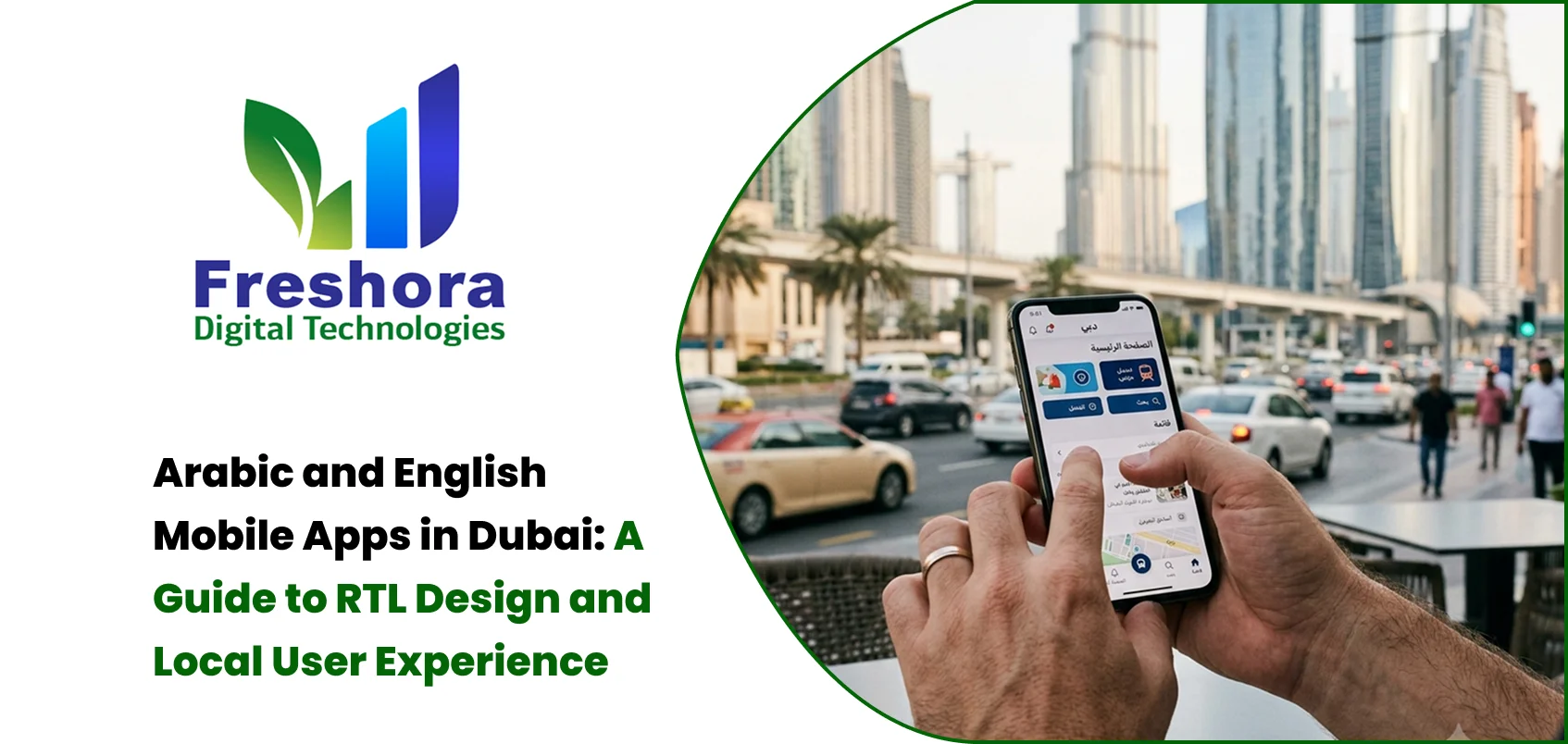
For businesses planning Arabic and English mobile apps in Dubai, simply translating English text into Arabic is not enough. A successful bilingual application needs proper right-to-left design, localization, navigation planning, typography, flexible UI components and culturally appropriate user experience.
Dubai's customer base is highly diverse. A business automation may have customers who prefer Arabic, customers who are more comfortable with English and users who move between both languages.
This is particularly relevant for:
Retail applications
E-commerce platforms
Banking and financial applications
Hospitality apps
Healthcare applications
Real estate platforms
Food delivery applications
Government-related services
Travel applications
Education platforms
A bilingual application gives users more control over how they interact with the business.
However, the objective should not simply be to provide two sets of text. The entire interface should adapt to the selected language. Navigation, forms, buttons, content hierarchy, notifications and other interactive elements should provide a consistent experience in both Arabic and English.
For businesses targeting Dubai and the wider UAE market, bilingual support can therefore become part of the overall product strategy rather than simply a translation feature.
Arabic is written from right to left, while English is written from left to right.
This means an Arabic interface should generally use a right-to-left (RTL) layout.
For example, an English application might visually present:
Menu → Content → Next
An Arabic interface may need to present the visual flow in the opposite direction.
This affects much more than text alignment.
Developers and designers may need to consider:
Navigation direction
Menu placement
Back buttons
Carousels
Form fields
Icons
Breadcrumb-style navigation
Progress indicators
Swipe interactions
Tab arrangements
Numbers and dates
Notifications
Error messages
A common mistake is creating an English interface first and simply changing text alignment for Arabic. That may produce an application that technically displays Arabic but does not provide a natural Arabic user experience.
RTL should therefore be considered during the UX and design-system stage, rather than treated as a final development adjustment.
RTL stands for right-to-left.
In an RTL mobile application, directional interface elements are adapted for languages such as Arabic. A horizontal onboarding flow, for example, may need to visually move from right to left. A navigation drawer may appear from the opposite side, and directional arrows may change according to their meaning.
Importantly, not every visual element should automatically be mirrored.
Company logos, internationally recognised symbols and certain numerical elements may need to remain unchanged. Some icons represent universal concepts rather than direction and therefore should not automatically be flipped.
This is why RTL design should be considered when creating the application's design system.
Designers can establish reusable RTL-aware components for buttons, navigation, cards, forms, menus and other interface elements. This reduces the need to manually redesign every screen when the Arabic version is introduced.
RTL support should also be considered during development.
A mobile application may use separate language resources for Arabic and English while allowing the interface to dynamically change according to the user's selected language.
Developers should consider:
RTL-aware layout components
Language resource files
Dynamic text rendering
Mirrored navigation patterns
Responsive layouts
Localized date and number formatting
Arabic-compatible fonts
Right-to-left form layouts
Bidirectional text handling
Localized validation and error messages
RTL testing on different screen sizes
The application architecture should allow Arabic and English content to be maintained independently. This can make future content updates, translations and additional language support easier to manage.
For example, product names, descriptions, categories, notifications and promotional content should not be hard-coded into a single language inside the application.
A well-planned localization structure makes it easier to maintain both versions as the application grows.
Typography is one of the most overlooked parts of Arabic app design.
Arabic characters have different shapes, spacing and visual proportions from Latin characters. A font that looks excellent in English may not provide the same experience in Arabic.
Designers should check:
Arabic font readability
Font weight
Line height
Character spacing
Button text
Headings
Long paragraphs
Error messages
Small-screen readability
Arabic typography should also be tested across different devices because font rendering and available screen space can affect the appearance of the interface.
A bilingual design system should be tested at different screen sizes before development is completed.
Translation can change the length of interface text.
A short English button such as:
"Continue"
may occupy a different amount of space when translated into Arabic.
This can create problems with:
Buttons
Cards
Navigation bars
Product names
Form labels
Notifications
Promotional banners
Therefore, mobile UI components should be designed with enough flexibility to accommodate text expansion and contraction.
Fixed-width buttons and rigid layouts can easily break when a second language is introduced.
Designers should test longer translations before finalising the interface. Buttons, cards, headings and form fields should have enough space to accommodate different text lengths without overlapping or hiding important information.
UAE app localization should consider the complete customer experience.
Localization can include:
Language
Currency
Date format
Number format
Address structure
Time zone
Payment options
Cultural expectations
Local terminology
Customer support language
For example, an e-commerce application targeting Dubai may display prices in AED and provide locally appropriate checkout information.
A travel application may need to consider local destinations, date formats and culturally relevant information.
Similarly, a real estate application serving Dubai may need localized property information, location terminology, contact details and enquiry workflows.
Localization should therefore be considered as part of the product experience rather than as a translation task performed after development.
Businesses should first identify who will use the application.
A restaurant app, for example, may serve:
Local Arabic-speaking customers
English-speaking residents
International visitors
Expatriate workers
The application should therefore make switching between languages easy.
A visible language selector can be useful during onboarding or from the settings area. The selected language should also persist unless the user intentionally changes it.
Businesses should also consider whether customer support, push notifications, emails and transactional messages need to follow the user's selected language.
This creates a more consistent customer journey across the application.
A bilingual application should not be tested only in English.
The Arabic version should receive its own UX and functional review.
Test:
Login
Registration
Home screen
Navigation
Search
Product or service pages
Forms
Checkout
Notifications
Error messages
Account settings
Payment screens
Check for:
Clipped text
Incorrect alignment
Broken icons
Overlapping elements
Incorrect RTL direction
Unreadable typography
Buttons that are too small
Incorrect date or number formatting
Confusing navigation
Incorrect translations
Testing should be performed on multiple screen sizes and, where relevant, across both Android and iOS devices.
Arabic testing should not simply confirm that the translated words appear on the screen. It should evaluate whether the entire user journey feels natural for an Arabic-speaking user.
Bilingual design and accessibility should work together.
Users may have different:
Vision abilities
Reading preferences
Device sizes
Interaction habits
Language preferences
Large touch targets, readable typography, sufficient contrast and clear error messages can make the application easier to use.
Accessibility should be considered in both Arabic and English interfaces because a design that works well in one language may create different usability problems in another.
The UAE has a large Android user base, while iOS users also represent an important segment of the market.
Businesses should therefore avoid treating Android and iOS as identical environments.
Different screen sizes, platform conventions, navigation patterns and system behaviours should be tested during development.
The bilingual experience should remain consistent across both platforms while still following the interaction conventions expected by Android and iOS users.
This is particularly important for applications involving payments, authentication, notifications, location services and other device-level functionality.
Arabic and English support is easier to implement when it is considered from the beginning of the project.
A typical planning process can include:
Research → UX Planning → RTL Design → Design System → Development → Localization → Testing → Deployment
During the research stage, the business should identify its target users and their language preferences.
During UX and UI design, Arabic and English layouts should be considered together.
During development, the application architecture should support localized content and RTL-aware components.
During testing, both language versions should be reviewed independently.
This approach can reduce redesign work and help prevent usability problems after launch.
Arabic and English mobile apps in Dubai require more than translation.
The strongest applications combine language support, RTL architecture, flexible UI components, local currency and payment considerations, culturally appropriate content, accessibility and thorough usability testing.
For businesses entering the Dubai market, bilingual UX should be considered during the planning and design stage rather than added after the application has already been built.
A successful bilingual mobile application should allow Arabic and English users to complete the same important tasks without feeling that one language version is simply a translated copy of the other.
Businesses planning a mobile app for the Dubai market should therefore treat UX design, RTL implementation, localization, development, API integration, payment functionality and testing as one connected process.
Quick Answer Website Redesign Dubai projects should begin with an audit of the existing website's p... Read More
Quick Answer Mobile Web Design UAE focuses on creating websites that are easy to navigate, read, an... Read More
Quick Answer Website Design for Dubai Businesses should prioritise clear service messaging, fast mo... Read More
Our expert will call you shortly to understand your needs and help grow your business.
Get exclusive digital marketing tips, SEO insights, web & app updates, and job opportunities delivered straight to your inbox.
Join our WhatsApp channel for instant digital marketing tips, SEO insights, web & app updates, and latest job opportunities.
Join NowFreshora Digital Technologies proudly serves businesses across Dubai and the United Arab Emirates, including Abu Dhabi, Sharjah, Ajman, Umm Al Quwain, Ras Al Khaimah, and Fujairah.
We also serve businesses across the GCC region, including Saudi Arabia, Qatar, Kuwait, Bahrain, and Oman, providing Website Development, Mobile App Development, Software Development, SEO, Google Business Profile Management, Digital Marketing, UI/UX Design, E-commerce Development, AI Solutions, and other digital technology services designed to strengthen online visibility, generate enquiries, and support business growth. We also work with businesses internationally across India, Singapore, Canada, Australia, the United Kingdom, and the United States, delivering innovative digital solutions tailored to different markets and business requirements.

