If your pages aren’t indexed, they can’t appear in search results. That’s why knowing how to check website indexed by Google is a fundamental SEO skill. Whether you’ve launched a new site or published fresh content, you need to confirm Google can find, crawl, and index your pages.
This guide shows quick checks, reliable Search Console methods, and fixes for common indexing problems. For technical SEO help, our SEO specialists can diagnose and resolve indexing issues.
Why Indexing Matters
Indexing is the process of storing and organizing pages in Google’s search index. If a page isn’t indexed, it won’t rank—no matter how good the content is. That makes indexing checks essential for any digital marketing strategy.
Indexing issues often arise from technical barriers, weak internal linking, or low-quality content. Catching them early prevents lost traffic and missed opportunities.
Quick Check: The site: Operator
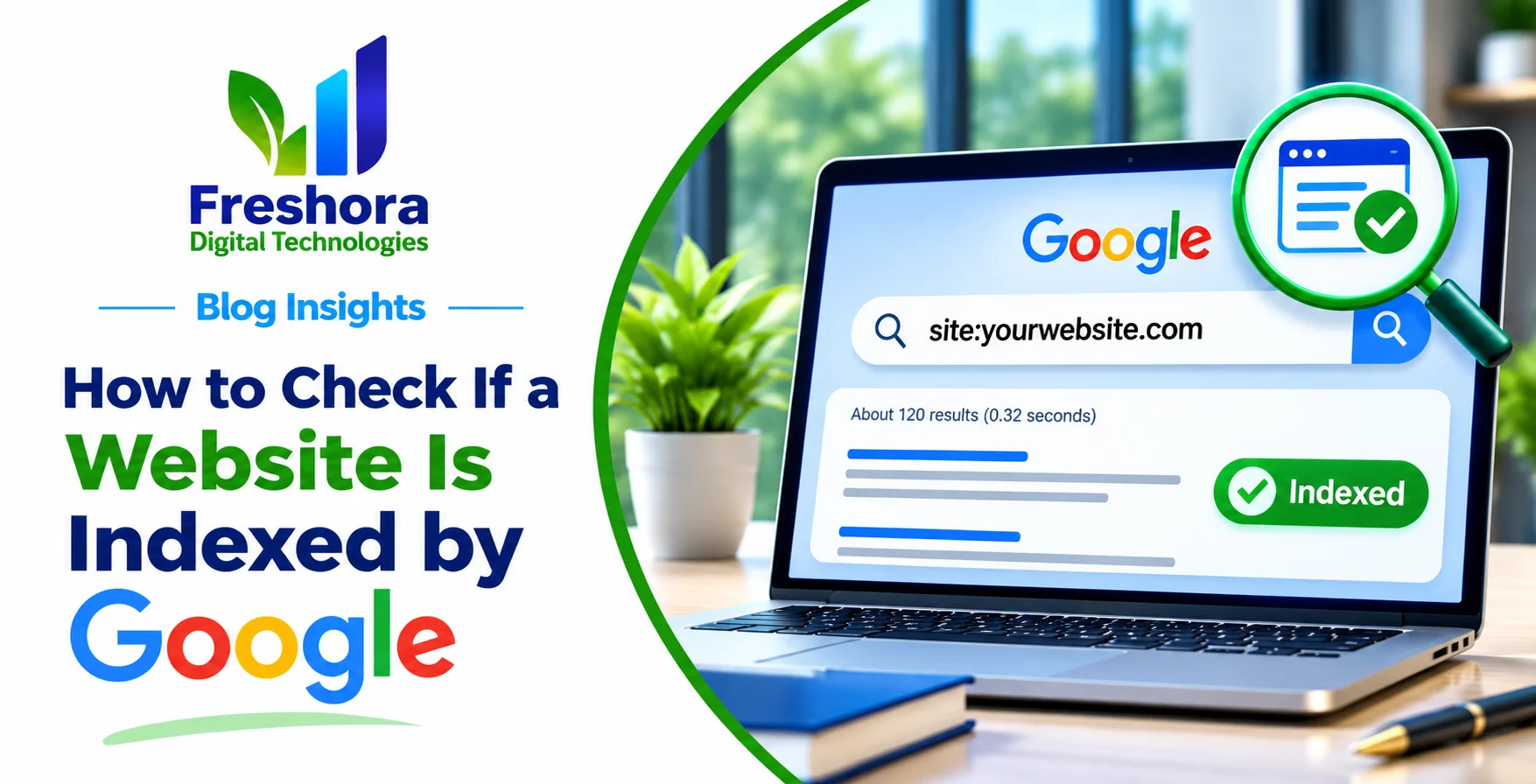
Type site:yourdomain.com into Google to see pages Google has indexed. You can also check a specific URL with site:yourdomain.com/page-url. This is a fast Google index checker method, but it’s not always complete or real-time.
Use it for a quick snapshot, then confirm with Search Console for accurate status.
Reliable Check: Google Search Console
1. Use URL Inspection
In Search Console, paste a URL into the URL Inspection tool. It tells you whether the URL is indexed, when it was last crawled, and any issues. This is the most accurate way to check indexed pages.
2. Review the Pages Report
Go to Indexing > Pages to see indexed and not indexed pages, along with reasons. Look for patterns like “Crawled - currently not indexed” or “Discovered - currently not indexed.”
3. Submit a Sitemap
Ensure your XML sitemap is submitted in Search Console. A sitemap helps Google discover important URLs. This is especially important for new sites or large sites built with custom website development.
4. Check Internal Linking
Pages with no internal links are harder for Google to discover. Add contextual links from related pages and blogs. Strong content structure and internal linking improve crawl paths.
5. Fix Technical Barriers
Check for noindex tags, robots.txt blocks, canonical issues, and server errors. Also ensure your site is fast and mobile-friendly—good web design and performance support crawlability. For official guidance, see Google’s indexing documentation.
Common Indexing Issues and Fixes
- Noindex tag: Remove it if the page should be indexed.
- Blocked by robots.txt: Allow crawling for important pages.
- Low-quality or duplicate content: Improve value and uniqueness.
- Orphan pages: Add internal links.
- Server errors: Fix 5xx issues and improve hosting stability.
Build an Indexing Monitoring Routine
Indexing should be monitored regularly, especially for sites that publish often. Check the Pages report in Search Console weekly or monthly. Look for spikes in “not indexed” URLs and investigate the reasons. Catching patterns early helps you fix template issues, content quality problems, or technical blocks before they affect traffic.
After publishing important pages, use URL Inspection to confirm Google can crawl them. If the page is valuable and technically sound, request indexing. This doesn’t guarantee inclusion, but it can speed up discovery. Keep a log of changes so you can correlate indexing improvements with actions taken.
Strengthen Signals That Support Indexing
Google is more likely to index pages that are useful, unique, and easy to discover. Improve thin content, avoid duplicate pages, and make sure each important URL has clear internal links. A logical site structure, clean navigation, and updated sitemap all help.
Don’t forget page experience. Fast, mobile-friendly pages with clear content send better quality signals. Indexing is not just a technical checkbox—it reflects overall site quality. When your technical foundation, content, and internal linking work together, indexing becomes more consistent and predictable.
Indexing Audit Checklist
Run a regular indexing audit. Check sitemap submission, review the Pages report, inspect key URLs, and test important pages with the site: operator. Record the number of indexed pages, not indexed pages, and top reasons for exclusion. This gives you a baseline for improvement.
Prioritize fixes based on business value. Start with service pages, key landing pages, and high-value blog posts. Resolve noindex tags, crawl blocks, canonical errors, and server issues. Then strengthen internal links to important URLs.
After fixes, monitor changes over several weeks. Indexing can take time, so avoid making too many changes at once. A measured, documented process helps you understand what worked and keeps your site’s crawlability healthy as it grows.
Example: Diagnosing a Non-Indexed Page
A newly published service page may not appear in search. URL Inspection might show “Discovered - currently not indexed.” By improving internal links, expanding thin content, and confirming the page is in the sitemap, you increase its chances of indexing. Checking again after a few weeks confirms whether the fixes worked.
Turn Insights Into a 30-Day Action Plan
To get value from this process, turn your findings into a simple 30-day plan. In week one, gather baseline data and identify the biggest issues or opportunities. In week two, implement the highest-priority fixes or content updates. In week three, promote or refine the affected pages and make sure tracking is in place. In week four, review performance, document what changed, and decide the next actions.
This rhythm keeps your SEO work consistent and measurable. Small, focused improvements made every month usually outperform occasional big audits that never get fully implemented. Keep your plan realistic, assign clear ownership, and tie every task to a business outcome such as visibility, engagement, or leads.
Document and Share What You Learn
Keep a simple record of what you checked, what you found, and what you changed. Documentation helps you avoid repeating mistakes and makes it easier to measure progress over time. Share key findings with content, design, and development teams so everyone understands the priority. When insights are documented and acted on consistently, your SEO process becomes clearer, faster, and more effective.
Final Thoughts
Checking whether a website is indexed by Google is quick when you use the right tools. Start with a site: search, confirm with URL Inspection, and monitor the Pages report. Fix technical barriers, strengthen internal linking, and keep content valuable. For local businesses, also align indexing with local SEO efforts. If you need an indexing audit, Freshora can help.